

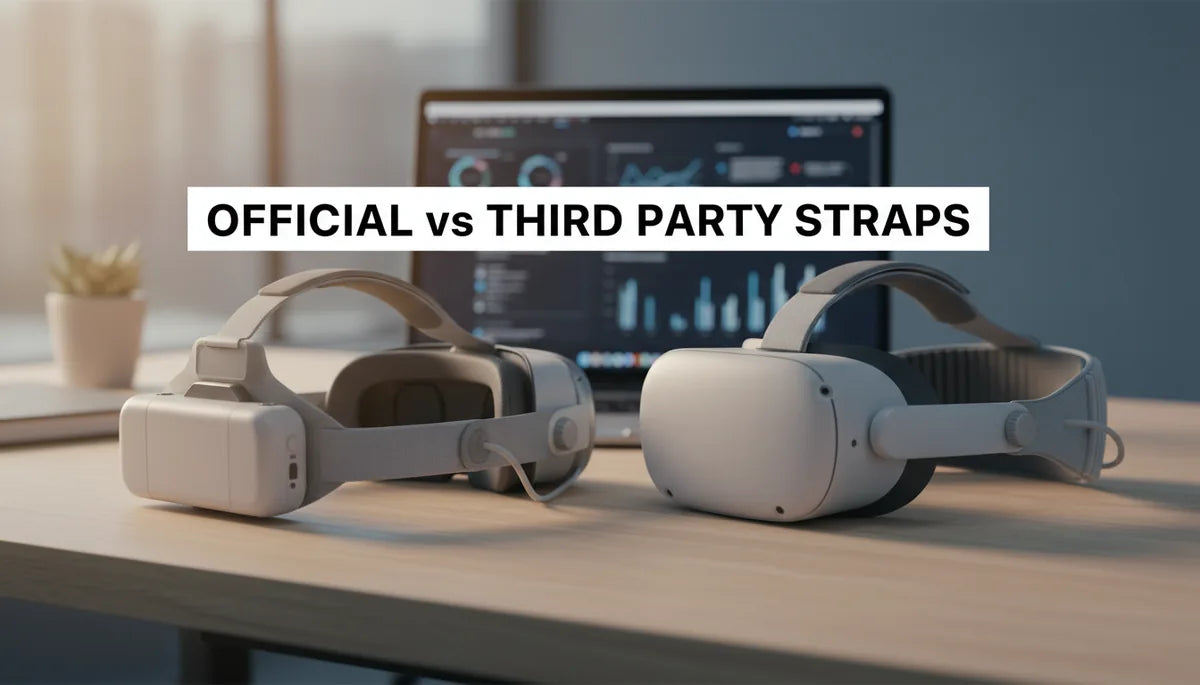
Official vs Third-Party Strap Choices for Meta Quest: Safety, Durability, and Comfort
If your Meta Quest 2 or Quest 3 sessions end with a sore forehead, a stiff neck, or the headset slipping mid-game, upgrading the head strap is one of the highest-impact improvements you can make. This guide breaks down official Meta straps and third-party alternatives so you can choose the strap that best balances comfort, fit, durability, and safety for longer, more enjoyable VR sessions. ⏱️ 10-min read
Why Upgrade Your Meta Quest Head Strap?
The stock strap that ships with most Meta Quest headsets is compact and lightweight, designed to be economical and broadly compatible. For short, casual play sessions this setup is fine, but the strap starts to show limitations as session length and movement intensity increase. Common pain points include faceplate pressure, slippage during active play, and a feeling that the headset is pulling forward on the nose bridge—symptoms that are especially noticeable in games or experiences that require rapid head turns, physical reaching, or sustained immersion.
Weight distribution is the core issue for many users. The headset houses most of the weight in the front (lenses, sensors), and a basic strap places most of the counterbalance through thin bands over the top or sides of the head. That concentrates force on the forehead and nose rather than spreading it across the skull. The result is pressure sores, red marks, and fatigue in as little as 20–40 minutes for some users. People with glasses, different head shapes, or hair styles (ponytails, hats) often experience fit problems that make these discomforts worse.
Other limitations include weak adjustability and limited ergonomics. Stock straps typically offer a simple elastic or Velcro adjustment but lack structured support, rigid back cups, or micro-adjustment mechanisms that keep the headset stable during movement. Users who stream, play rhythm games, exercise in VR, or simply want marathon sessions quickly start looking for alternatives that reduce face pressure, improve balance, and prevent the headset from sliding down.
Meta's Official Head Strap Offerings
Meta offers purpose-built straps to address these very issues. The most well-known official options for Quest 2 and Quest 3 are the Elite Strap and the Elite Strap with Battery. These designs replace the soft, cloth-based stock band with more rigid or padded components that redistribute weight toward the rear of the head. The Elite Strap adds a firmer rear support and better tightening mechanisms, while the Elite Strap with Battery includes an integrated battery pack that both extends playtime and shifts weight toward the back for improved balance.
Key benefits of Meta's official straps include seamless integration and tested compatibility. Mount points, hinge mechanisms, and headset attachments match the headset’s original tolerances, so fit is predictable and installation is straightforward. Because Meta designs these accessories with the headset in mind, they also tend to play nicely with vendor-provided firmware, official accessories (like prescription-lens adapters Meta endorses), and support channels should you need warranty help.
When considering the cost of official options, view them as premium accessories with brand-level assurances. The Elite Strap and the battery version typically sell at higher price points than many third-party alternatives, but that price buys an engineered fit, consistent build quality, and official customer support. The integrated battery option adds functional value as a battery extender for longer sessions, but remember the trade-off: extra battery gives longer playtime and better balance for many users, but also increases overall system mass and can change the center of gravity compared to a lighter strap.
Navigating the World of Third-Party Quest Straps
The third-party market for Quest straps has exploded, offering a wide range of designs and price points. Manufacturers focus on different problems—halo-style headbands that wrap around the crown rather than over the face, modular systems with interchangeable padding, lightweight carbon-fiber frames for active players, and straps with integrated battery modules from independent power brands. The variety makes it easier to find a solution tuned to your head shape and use case: casual comfort, competitive gaming, or fitness-oriented VR.
Appeal of third-party options often comes from customization and price. Many third-party straps come in multiple padding densities, with options for breathable mesh, memory foam, or leatherette. You can also find straps that accommodate custom mounts for external accessories (fans, cameras, or microphones) and quick-release features for users who frequently put the headset on and off. Because competition is high, you can often get similar—or in some cases better—comfort for markedly less money than official accessories, though this varies by brand and model.
However, third-party straps are not all built equally. The most innovative manufacturers adopt halo-style designs that transfer support to the perimeter of the skull, reducing frontal pressure. Others integrate battery packs from reputable battery makers or use reinforced hinges to handle more aggressive movement. Before buying, examine build materials (metal vs. plastic brackets), read user reviews specifically about long-term durability, and check whether manufacturers provide return policies or warranty coverage comparable to official options.
Prioritizing Comfort: Weight Distribution and Padding
Comfort in VR is primarily about how a strap manages weight distribution. A good strap moves the headset’s center of mass closer to the middle of the skull or rear of the head to relieve the front of direct load-bearing. Official Elite-style designs use a sturdier rear cup and wider straps to shift weight backward, which helps reduce pressure on the nose and face. Halo-style third-party straps distribute weight across the forehead perimeter and the crown, easing pressure points for many head shapes—especially if the strap includes micro-adjustments.
Padding and materials matter as much as geometry. Soft, ventilated memory foam reduces hotspots but can compress over time, while denser foam retains structure longer but may feel firmer initially. Breathable fabrics like moisture-wicking mesh are essential for users who sweat during activity—non-breathable leatherette can trap heat and make sessions uncomfortable. Look for replaceable padding or modules, which allow you to refresh high-contact areas after months of heavy use instead of replacing the entire strap.
Adjustability is another critical factor. Micro-adjustment dials, ratcheting systems, and indexed click-stops let you fine-tune tension and tilt so the lenses sit perfectly aligned with your eyes. This matters not only for comfort but for visual clarity and eye relief—small misalignments can cause blurriness, nausea, or eye strain. If you frequently share your headset with people who have different head sizes, a strap with quick and repeatable adjustments will save time and reduce frustration.
Assessing Durability and Safety Standards
Durability is a combination of material choice, mechanical design, and manufacturing quality. Official Meta straps typically use injection-molded plastics, reinforced hinges, and tested fasteners—components designed to match the headset’s lifecycle. Third-party manufacturers may use similar materials, but quality varies. Metal-reinforced clips, stainless steel screws, and reinforced hinge points increase longevity, but they can add cost and weight. Cheaper straps often shortcut with thin plastics or weak hinge designs that can crack after repeated flexing.
Safety considerations go beyond simple breaks. See how attachments secure to the headset: snap-fit clips are convenient, but screw-mounted brackets provide higher mechanical reliability for active use. Inspect any hinge points and look for stress-relief design—rounded transitions and thicker cross-sections in high-stress areas reduce the chance of fatigue cracks. If your strap includes an integrated battery, verify certifications like CE, UL, or FCC for electrical safety. Batteries that are poorly manufactured or poorly insulated can pose fire risks, especially when in contact with foam or fabric that can trap heat.
Potential failure points to watch for include the top strap anchor points, the rear cup interface, and any quick-release latches. On many third-party forums, common user reports that predict failures include repeated removal/installation cycles that loosen screws, plastic clips that degrade under UV or temperature swings, and padding attachments that detach with sweat and friction. Buying from companies with clear warranty, return policies, and replacement parts inventory reduces the long-term risk and cost of ownership.
Installation, Compatibility, and Maintenance
Installation complexity varies: official straps are designed for tool-free attachment, snapping into place with the headset’s original hardware alignment. Most reputable third-party straps also aim for simple installation, often providing step-by-step instructions and the small tools needed. Before you buy, check whether the strap comes with necessary hardware or if you’ll need to reuse screws from the stock strap. Some straps require temporary removal of foam facial interfaces or the use of included brackets—review the product manual and community installation videos if you’re unsure.
Compatibility matters when you use other accessories. If you rely on prescription lens inserts, check that the strap doesn’t push the headset forward or change the eye-to-lens distance beyond the lenses’ design tolerances. External audio solutions that clip or mount on the headset need clearance; some bulkier straps interfere with over-ear headphone mounts. Integrated batteries or clip-on power banks require that the strap’s rear cup has a stable mount and doesn’t obstruct ventilation. Good vendors publish compatibility notes with popular lens kits, audio solutions, and counterweight accessories.
Maintenance habits prolong both comfort and hygiene. For daily upkeep, wipe foam and fabrics with a damp cloth and mild soap; avoid saturating foam. For deeper cleaning, remove detachable padding and hand-wash or air-dry per manufacturer guidance. Replace degraded foam when it becomes compressed or cracked—most premium straps sell replacement pads. If a strap uses leatherette or synthetic leather, occasional leather cleaner keeps the surface supple and reduces cracking. For straps with integrated batteries, follow manufacturer battery care: avoid leaving the pack fully discharged for long periods, and use the recommended cables and chargers to prevent over-stressing cells.
Choosing Your Best Fit: A Decision Guide
Ask yourself the right questions before buying: How long are your typical sessions? Are you physically active in VR (fitness, rhythm games) or mostly seated? Do you frequently share the headset with others? What’s your budget? These answers help narrow choices quickly. For short sessions and minimal movement, a low-cost third-party strap with soft padding may be sufficient. For longer sessions, competitive play, or active exercise, prioritize rigid support, secure attachments, and breathable padding—even if that means spending more.
Consider these scenario-based recommendations:
- If you play 30–60 minutes per session and want an affordable upgrade: look for a third-party strap that offers a halo design with breathable padding and a reliable buckle system.
- If you routinely play 60+ minutes or stream and need predictable comfort: lean toward Meta’s Elite Strap or high-end third-party straps with reinforced hinges and micro-adjust dials.
- If you use VR for fitness or high-motion esports-style gameplay: prioritize straps with metal reinforcements, strong attachment hardware, and sweat-resistant materials—consider a strap with an integrated or detachable counterweight for balance.
Balance long-term value with upfront cost. Official straps deliver predictable, warranty-backed solutions and are often easiest to service with the manufacturer. High-quality third-party straps can reach or exceed that level at lower cost, and may offer innovative features absent in official products. If you buy third-party, choose a seller with transparent return policies and replacement parts; that mitigates risk if a hinge fails or padding wears out after heavy use.
Finally, test before you commit. If possible, try a strap in person at a local retailer or borrow from a friend. Small differences in angle, tension, or padding density can make or break comfort. And remember: maintenance counts. A thoughtfully chosen strap plus careful upkeep—regular cleaning, minor hardware checks, and replacement pads—will give you the most comfortable, longest-lasting VR experience regardless of official or third-party origin.







Compartir:
Glasses Friendly VR: How to Adjust Quest Two Fit for Glasses Wearers
Ergonomic Benefits of Upgrading to a Quest 2 Comfort Strap: What Changes in Your Gameplay?