

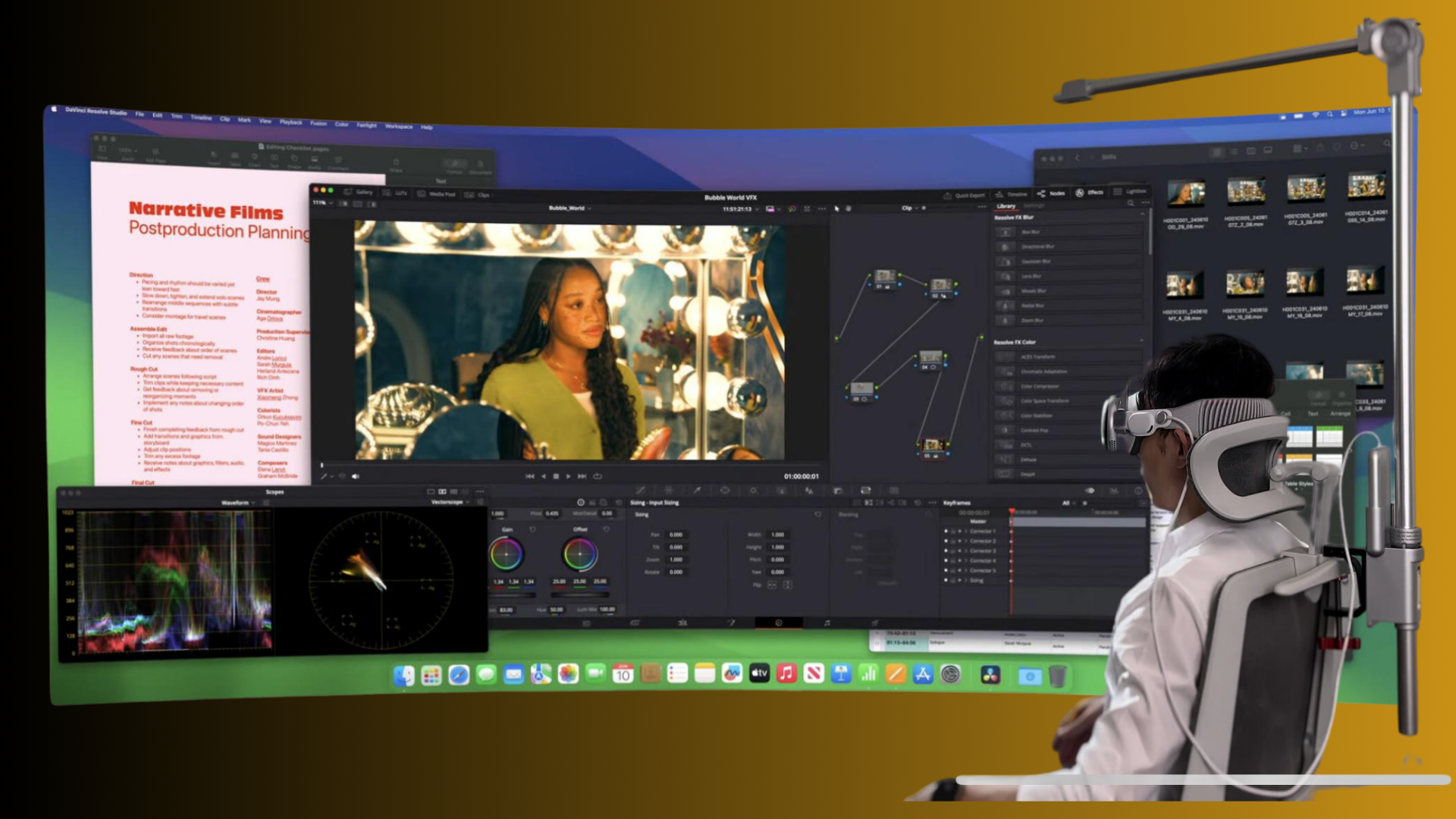
If you've spent more than an hour in your Quest 2 and started to notice neck ache, a sore nasal bridge, or a headset that drifts during gameplay, the head strap is likely the weak link. Picking the right strap isn't just about comfort—it's about how the headset's weight is carried, how stable the image remains during fast movement, and whether your glasses survive the session unscathed. ⏱️ 10-min read
This guide walks Quest 2 owners through the practical differences between halo-style straps and modern Elite-style designs, explains why weight distribution matters for long sessions, compares popular options, and gives hands-on installation, fit, and maintenance advice. Read on to find the strap match for your playstyle—seated adventures, sweat-heavy fitness apps, glasses-friendly comfort, or marathon streaming.
Understanding design differences: halo vs modern options
The simplest way to tell these designs apart is to look at contact points and how they carry force. Halo-style straps are recognizable by a curved top band that wraps over the crown and a padded forehead cradle that presses gently across the brow. Adjustment usually comes from a rear dial: turn it, and the whole halo tightens or loosens. The goal is to lift the headset slightly off the face so the foam and optics press less against your nose and cheeks.
Modern or “Elite-style” straps take a different approach. They use rigid side arms that anchor to the headset and a firm rear cradle or plate that cups the base of the skull. Rather than lifting, these systems clamp the headset inward—holding it more securely against the temples and back of the head. Many modern straps are designed to accept accessory batteries or modular mounts, adding mass but extending playtime.
In practice, the halo design tends to reduce facial pressure and feels lighter on the face; it can allow more wiggle room during intense motion. Elite-style straps give a locked-in, wobble-resistant fit at the cost of more pressure on the rear or sides. Glasses fit, headset balance, and the type of content you play will all change which trade-off feels right.
Comfort and weight distribution: why it matters for long sessions
Comfort in VR is mostly an engineering problem of force vectors. The Quest 2 headset has a front-heavy center of gravity because the display and optics sit forward of your skull. How a strap redistributes that forward pull determines whether your neck bears the load, your nose gets pinched, or the headset stays balanced through quick turns.
Halo straps move that forward pull up and across the top of your head. The forehead pad and crown band take much of the load, so your face feels less pressure and the headset can "float" rather than press. The trade-off is concentrated pressure along the crown and forehead—some users describe it like a snug cap. Heat buildup can be greater along the top of the head, and extended sessions may reveal padding compression points.
Elite-style straps transfer weight toward the base of the skull and the sides. Spreading load across the rear cradle and rigid arms lowers wobble and keeps your VR view steadier during active play. This is especially beneficial for rhythm games, fitness, or room-scale titles where every head jerk can reveal tracking offsets. The downside: more noticeable pressure against the back of the head and potential temple discomfort for glasses wearers if not fitted correctly.
The key takeaway is simple: if you want minimal facial pressure and long, relaxed sessions (movies, productivity, social VR), a halo-style or cushioned hybrid will likely be more comfortable. If you need stability for vigorous movement, the modern Elite-style approach usually wins.
Strap options in the Quest 2 ecosystem: official and popular third-party straps
The Quest 2 ecosystem has matured beyond the stock strap. Choices cluster into three practical bands: lightweight comfort (halo-style and hybrids), rigid performance (official Elite and clones), and feature-rich premium models (battery packs, integrated audio, modular parts).
Official Meta Elite Strap (with and without battery) sits in the rigid-performance band. It's built from durable plastics with a padded rear cradle and solid side arms, offering a noticeably stable, clamped fit. The battery variant adds front-mounted mass to extend playtime, which helps mobile users but changes balance—some players prefer counterweights instead. Build quality is reliable, but the rear padding can feel firm on long sessions.
Halo-style third-party options—brands like BOBOVR, Kiwi, and others—focus on lightweight comfort. They usually feature a hard top band, foam forehead support, and a rear dial. Prices are often friendlier than OEM solutions, and they trade off some locking stability for less facial pressure and better breathability. Padding quality varies by model, so check materials and user reviews.
Other modern alternatives mix features: adjustable side rails, quick-release mounts, modular padding, and accessory ports. Premium third-party straps may include washable covers, improved foam, or compatibility with lens protectors and prescription spacers. Generally, build quality tracks price: budget straps deliver value, midrange options give a comfortable balance, and premium models justify their cost with durability and extras like integrated battery mounts or audio support.
Glasses wearers and fit considerations
For anyone who wears prescription glasses, strap choice can make or break the VR experience. The most important first step: always use the Quest 2 glasses spacer. That small insert increases internal clearance to keep your frames from rubbing the headset lenses and helps prevent scratches.
Halo-style straps tend to be friendlier to glasses because they lift some weight off the face. When the headset "floats," pressure on the nose bridge and temple arms decreases, meaning frames sit more comfortably and you’re less likely to feel the headset pressing your glasses into your face during movement. If you have larger frames, look for halo models with adjustable forehead pads that can increase the vertical gap.
Elite-style straps can press more against the side of the head and temples. That’s not an automatic problem—good rear-cradle positioning and slight looseness at the temples can avoid pressure—but users with thin or delicate frames may still feel strain if the strap tugs the headset forward. Practical tips: reinstall the glasses spacer before strapping on, start with the strap a touch looser than you think is necessary, and fine-tune cradle height so the headset sits slightly back and leaves room for the glasses’ arms.
Finally, test the fit with your glasses on before committing to a long session. If you feel any rubbing or pressure points during a short test, adjust immediately—small tweaks often make a big difference in tolerance over multi-hour sessions.
Installation and adjustment essentials
Installing and tuning a Quest 2 strap is straightforward but benefits from a deliberate sequence. Whether halo or Elite-style, follow these steps and avoid common mistakes that create uneven pressure or wobble.
- Align clips first: Line up the strap’s mounting points with the headset rails. Press evenly until you hear a click on both sides. Don’t force a misaligned clip—re-seat if one side clicks early.
- Start loose: Place the headset on and keep all straps slightly loose. If the top strap is tightened first it can skew pressure; save it for last.
- Tighten incrementally: For halo straps, turn the rear dial a few clicks at a time and check balance. For Elite-style straps, adjust side ratchets or rear cradle tension slowly until the headset sits without sliding. Aim for even pressure rather than maximal tightness.
- Balance the view: Adjust the forehead pad or cradle height so the center of the display aligns with your eyes without excessive face pressure. Your view should remain steady when you nod sharply.
- Lock in small tweaks: Many users find easing the strap slightly after the first secure fit reduces pressure without increasing wobble—experiment to find the sweet spot.
Common mistakes include overtightening (creates hotspots and headaches), uneven mounting (one clip higher than the other causes tilt), and ignoring the top strap (which stabilizes roll). If you use an accessory battery, add it last and re-balance—extra front or rear mass changes how much you need to tighten the cradle or dial.
Maintenance, cleaning, and durability
Straps live in a sweaty, oily environment—especially if you use VR for fitness—so routine care preserves comfort and lifespan. Use mild cleaning methods: a soft cloth with a diluted soap solution or a gentle, alcohol-free disinfectant works well for foam and fabric. Wring the cloth so it’s damp, not dripping, and wipe contact surfaces. Allow everything to air-dry completely before reassembling to prevent mildew or skin irritation.
Avoid harsh solvents, bleach, or full machine-washing unless the manufacturer explicitly says it’s safe. Silicone covers and removable pads usually tolerate hand washing and a light detergent; rinse thoroughly and dry. For foam pads that aren’t removable, clean gently and consider replacing covers if odors persist.
Inspect fastening points monthly. Look for cracked plastic at clips, worn teeth on dials, or loosened screws in rails. Replacement indicators include flattened or torn foam, persistent wobble after tightening, visible plastic stress, and dials that slip. Under normal home use, expect a strap’s foam and fabric to last 1–3 years; heavier use—daily fitness classes or multiple users—shortens that lifespan.
An ounce of prevention helps: use sweatbands, removable covers, and silicone protectors for intense sessions. Keep spare pads on hand if you share the headset or stream frequently; swapping covers keeps hygiene high and reduces long-term replacement costs.
Cost, value, and buying guide
Budgeting for the right strap depends on priorities: pure comfort, stability for active play, or extra features like batteries and audio. Price bands roughly correspond to materials and feature sets: budget straps and simple halo clones are often the best value for casual users; midrange options balance comfort and durability; premium straps add modularity, batteries, and improved materials.
Where to buy: official accessories are available through Meta’s store and authorized retailers; reputable third-party brands sell on major platforms like Amazon and their own websites. Buying official gear tends to give you a consistent warranty and parts compatibility; third-party vendors offer variety and often better prices but check return policies and reviews.
Warranty and returns matter. Official Meta straps tend to include predictable warranty terms; third-party warranties vary—some brands offer a year, others less. If you’re experimenting, buy from a retailer with a flexible return policy so you can test fit and comfort at home.
Value advice: If you play mostly seated or wear glasses, a midrange halo-style or cushion-hybrid usually gives the best comfort-per-dollar. If you run fitness apps or competitive titles, invest in a rigid, Elite-style strap for stability. For streamers or marathon players, consider premium straps with battery or modular options, but be prepared to balance the added front weight with counterweights or adjusted cradle settings.
Decision matrix: choosing the right strap for your setup
Use this short decision path to pick the right strap based on your priorities. Start at A and follow the branch that matches you.
- A. Are you primarily doing active, movement-heavy VR (fitness, rhythm, room-scale)?
- Yes → Choose a modern/Elite-style strap for stability. Preferably one with adjustable side rails and firm rear cradle.
- No → Go to B.
- B. Do you wear glasses or spend long, seated sessions (movies, productivity, social VR)?
- Yes → Choose a halo-style or cushioned hybrid. Ensure it has a good forehead pad and adjustable height; always use the glasses spacer.
- No → Go to C.
- C. Is battery life and extended playtime a priority (streaming or away-from-PC play)?
- Yes → Consider an Elite-style or premium strap with integrated battery or an accessory battery mount, and plan for balance adjustments.
- No → Value-oriented halo or midrange modern straps will suffice; prioritize comfort materials and return policy.
Quick scenarios: casual single-player = lightweight halo; fitness/active = Elite-style; glasses = halo or deep spacer hybrid; streaming/long sessions = padded strap with optional battery and washable covers. If you’re undecided, test a midrange hybrid first—many users find the compromise between comfort and stability works best.
Next step: pick one strap type that fits your primary use, check the return policy, and test with your glasses and favorite apps for at least 30–60 minutes. Small adjustments in cradle height or dial tension often turn a “so-so” fit into a perfect session—don’t be afraid to iterate.







Share:
Glasses-friendly Quest Two comfort: padding and fit tips
Lightweight VR vs Bulkier Sets: Choosing Comfort for Extended Training Sessions