

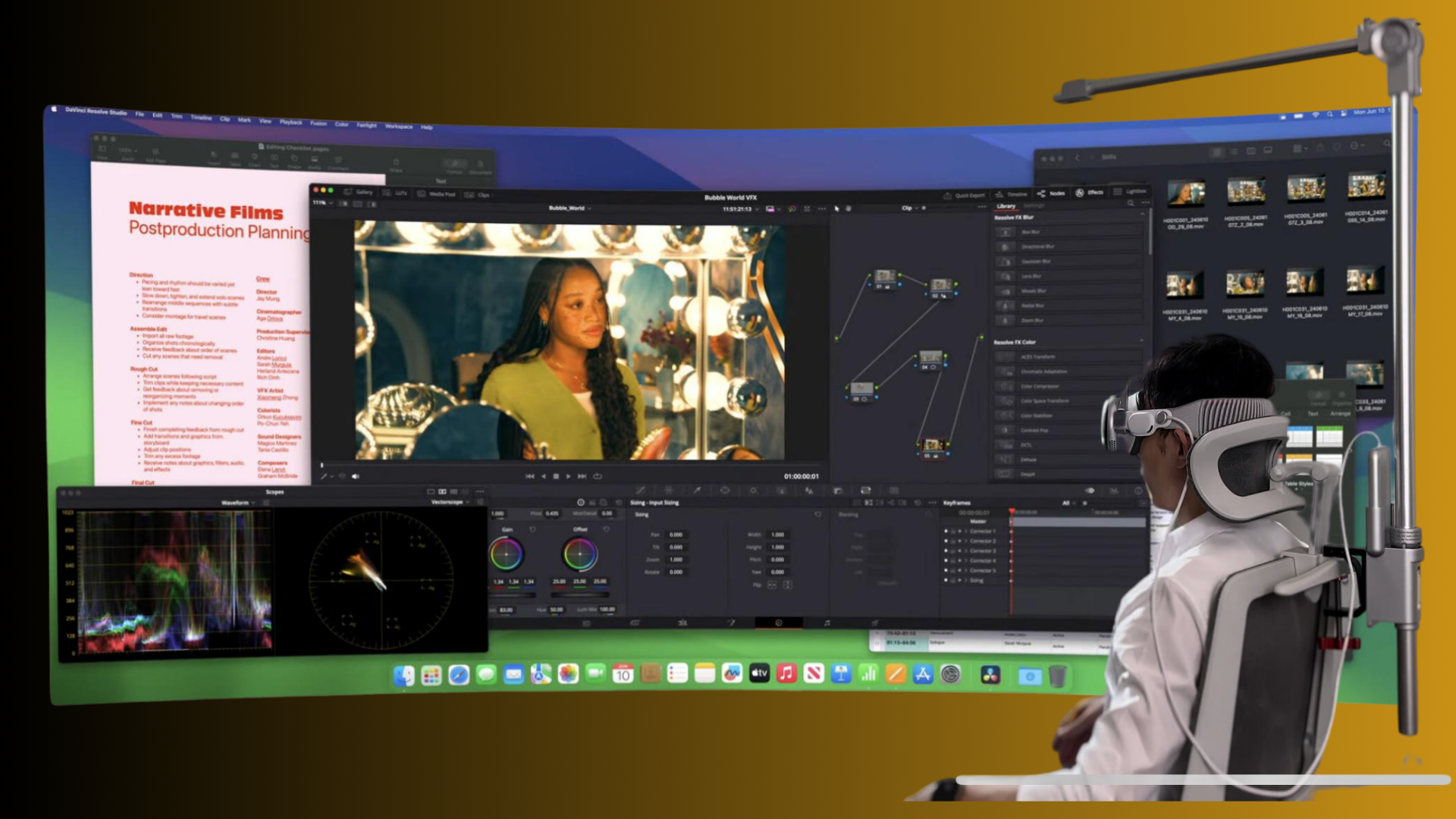
Wearing a VR headset when you need prescription glasses can feel like walking a tightrope: too loose and the world wobbles, too tight and your nose and temple bones complain. This guide walks through practical, device-spanning strategies to maximize comfort for Apple Vision Pro and Meta Quest 2 users who wear glasses. You’ll get hands‑on advice for choosing straps, installing and adjusting them, reducing pressure and fogging, balancing weight, maintaining parts, and selecting third‑party accessories that actually help. ⏱️ 11-min read
Each section includes specific tips you can try in minutes—spacer recommendations, step‑by‑step strap installation, counterweight tactics, and real‑world case adjustments for different frame types. Read it once to get the big picture, then follow the checklist at the end of each section to iterate until your headset disappears and the experience becomes about content, not soreness.
Choosing Quest 2 Comfort Straps: Elite Strap, Standard, and Third-Party Options
The Quest 2 ships with a lightweight fabric strap that’s breathable and unobtrusive for short sessions, but it’s not engineered for long wear or for stabilizing a headset over prescription glasses. Glasses wearers often notice the device tilts forward or presses against the bridge and temple corners. That’s where the Meta Elite Strap and third‑party solutions earn their keep.
The Elite Strap adds a rigid rail and a rear support plate that centers the headset and spreads some of the load across the back of the head. For people with prescription lenses, that steadier fit reduces lateral movement that can scrape frames against internal lenses. The Elite Strap’s top band also helps prevent forward tilt—important when you’re looking around or standing during mixed‑reality experiences.
Third‑party halo and rear‑support designs (BoboVR, Kiwi Design and others) aim to move the primary contact point to the crown and occipital area. Halo straps predominate for glasses wearers because they lift and cradle the head rather than relying on nose and cheek contact. Many of these designs are more affordable than OEM solutions and offer modular padding, adjustable height, and compatibility with counterweights and battery packs.
When choosing, consider material stiffness, padding thickness, and adjustability. Stiffer rails resist sagging but can feel more rigid at pressure points unless adequately padded. Halo systems often provide better long‑session comfort for glasses wearers, while the Elite Strap’s rear plate can be a simpler out‑of‑the‑box improvement. If your priority is minimal fuss and predictable fit for prescription inserts, the Elite Strap is a solid choice; if you want crown‑mounted comfort and the ability to fine‑tune padding, look to reputable third‑party halo designs.
Step-by-Step Quest 2 Comfort Strap Installation and Adjustment
Installing a replacement strap is simple, but doing it in the right order keeps your headset safe and guarantees the fit you need while wearing glasses. Power down, work on a soft surface, and take your time aligning clips. Follow these steps and test with your glasses on before diving into a session.
- Power off and prepare a soft surface (microfiber cloth or folded towel).
- Remove the stock strap: press the release clips on the side posts and slide the fabric pieces out gently. Keep the clips to reuse if needed.
- Align the new strap ends with the same side posts. If your strap has rails or a top bar, make sure the rail sits in the top slot and the rear support plate lines up with the back of the headset.
- Snap each end into place until you hear a firm click. Engage any locking features or center clips to prevent slippage.
- Adjust in sequence: start with the top strap so the headset sits evenly on your forehead without pinching. Then set the side temple straps to stop wobble—snug, not tight. Finish by tightening the rear strap to draw weight toward the back of your head.
- With your glasses on, put the headset on and look straight ahead. Check for nose pressure and temple contact. If your frames touch the internal lenses, add spacer inserts or loosen the front slightly and redistribute weight to the rear.
- Test movement: stand, turn your head briskly, and squat a few times. If the headset shifts, tighten the rear anchor incrementally until it remains stable without compressing your nose.
Small adjustments matter: a few millimeters of slack at the temples can stop pressure points while keeping tracking stable. If your strap has modular padding, experiment with thickness at the forehead and occiput to tune where the load sits. Finish by marking your sweet‑spot settings (side clicks, top strap position) so you can return to them quickly.
Glasses-Friendly Comfort: Wearing Quest 2 and Vision Pro
Glasses create two persistent issues inside headsets: pressure on the bridge and lens‑to‑lens contact that can scratch frames or fog. The simplest, safest interventions are spacer pads and prescription optical inserts; strap tuning provides the rest of the solution.
For Quest 2, official spacer inserts are the first stop. Installed between the face gasket and housing, spacers lift the headset slightly to create a few millimeters of clearance between your glasses and the internal lenses. That lift reduces contact, cutting down scratching and fogging. For Vision Pro, Apple’s optical inserts (or clinician‑made prescription inserts where available) align your corrective lenses at the designed optical plane, removing the need for your glasses altogether when correctly installed.
If you prefer to keep your frames, manage pressure with strap height and seal pads. Raising the top strap so the crown carries more of the load will lessen nose clamp. Choose a strap that moves weight rearward—a halo or dual‑loop approach is advantageous. Also, consider swapping to thicker or contoured face cushions that steer padding away from the nasal bridge.
Anti‑fog measures help when warmth builds inside the gasket. Simple steps: wear anti‑fog wipes on your glasses, ensure proper ventilation by not seating the headset overly tight, and try silicone nose pads on the inside of your frames to reduce fogging and sliding. For brief switching between glasses and inserts, keep a microfiber cloth handy and check spacer alignment each time you change setups.
Weight and Balance: Reducing Head Strain with Strap Design and Battery-Pack Tactics
Head and neck strain typically comes from a forward‑heavy headset. The correction is balancing the center of mass so the weight sits over the crown and occiput, not hanging from the nose. Two practical levers: strap design and rear‑mounted counterweights or battery packs.
Halo‑style straps and rear‑support plates shift the load toward the back of the skull and distribute pressure across a wider surface area. Properly centered, a halo strap lets the front of the headset rest lightly against the forehead while the crown bears the primary load. That reduces jaw clenching and neck fatigue.
Counterweights or battery packs are the easiest way to correct a forward bias. For Quest 2 and Vision Pro users, adding roughly 100–200 grams at the occipital area often brings the headset into neutral balance. The exact weight depends on your headset and hair/hat thickness—start light and increase in 25–50 g increments until the headset sits level. Secure the weight with clips or an integrated rear pocket to prevent shifting. If using a battery pack, keep cables tidy and avoid bulky attachments that tug.
Finally, spread pressure across contact zones: forehead, crown, and rear. A well‑padded strap with a broad contact plate avoids sharp pressure points. If you feel a hotspot, rotate or add padding rather than overtightening. Small ergonomic tweaks—raising the rear anchor a few millimeters, angling the forehead pad down slightly—make long sessions comfortable without compromising tracking.
Vision Pro vs Quest 2 Comfort: Strap Design, Fit, and Cross-Platform Tips
Apple and Meta approach comfort differently. Vision Pro’s Solo Knit Band and Dual Loop Band emphasize soft, breathable materials and a cradle‑style fit. The Solo Knit Band distributes weight broadly with a stretchy fabric that hugs the back of the head; it’s cozy but can let the front settle on the face if not paired with a lift or top loop. The Dual Loop Band adds an overhead strap that provides lift—particularly helpful for glasses wearers because it reduces nose and cheek pressure.
Quest 2 started with a slim elastic strap that is fine for short play but often inadequate for the demands of heavier payloads or prescription frames. Many Quest 2 users retrofit halo systems, rear supports, and battery‑integrated straps to mimic Vision Pro’s balanced feel. The key cross‑platform lesson: keep the center of mass over the crown and occiput, and use top straps or loops to lift rather than clamp.
Transferable tips for both devices:
- Use optical or spacer inserts where possible to remove frame‑to‑lens friction.
- Prioritize rear support and top‑loop lift over tightening temple straps.
- Test balance dynamically—turn your head, jog in place, crouch—and iteratively tweak rear weight and forehead padding.
Maintenance and Longevity: Cleaning, Inspection, and Replacement
Comfort degrades more from dirty or compressed padding than from minor strap fatigue. Regular maintenance keeps seals intact, prevents skin irritation, and preserves fit. Treat your padding and straps like running shoes: a little care extends their useful life significantly.
Cleaning basics: remove detachable foam pads and wipe surfaces with mild soap and warm water or a gentle electronics‑safe wipe. Avoid soaking foam—excess moisture degrades adhesive and filler. For silicone or leatherette pads, a quick wash and full air dry is fine. Let components dry completely before reassembly to prevent mold and skin irritation.
Inspect straps monthly for frayed fabric, stretched elastic, or cracked plastic clips. Replace any clip that shows stress to avoid sudden failure mid‑session. Check foam for loss of resilience—if the cushioning stays compressed and doesn’t rebound, it’s time to replace the pad. Many vendors sell replacement face gaskets and forehead pads; swapping these restores the original fit quickly.
Replacement timeline: face cushions typically benefit from replacement every 6–18 months depending on use, sweat exposure, and cleaning frequency. Straps and rails last longer if kept clean and not overstretched, but watch for stitching failure or compromised padding. Keep spare screws, clips, and a pair of thin replacement pads in your VR kit so you can troubleshoot immediately.
Third-Party Accessories and Replacement Options
Aftermarket components are abundant, but compatibility matters. Reputable vendors like Kiwi Design, BoboVR, and a handful of specialist sellers produce halo straps, thick replacement face cushions, and clip‑on counterweights that work well with Quest 2 and often adapt to Vision Pro with the right mounting strategy. Read product pages for exact compatibility notes—some rear plates designed for Quest 2 won’t mate cleanly with Vision Pro’s housing.
When evaluating products:
- Look for solid mounting mechanisms (snap‑in clips, lock tabs) rather than glue‑on or friction‑only attachments.
- Prefer adjustable pads and modular systems so you can tune thickness and pressure points.
- Check weight and balance data; avoid heavy aftermarket parts that add bulk without redistributing mass.
Avoid inexpensive knockoffs that sacrifice secure mounting or use brittle plastics. Instead, spend a little more on a strap with replaceable pads and clear compatibility instructions. If you plan to use prescription inserts, confirm that the strap and spacer setup leaves the required lens‑to‑eye distance for the optical inserts you choose.
Weight-Reduction Aids and All-Day Comfort: Lift Stands and Cushions
Beyond straps and counterweights, a set of accessories will transform an all‑day rig into something sustainable. Lift stands like the FlitLift GraviPro or FlitLift Apple Vision Pro Lift are not just storage—they provide a way to relieve, calibrate, and protect your headset between sessions. Use them to maintain strap tension, keep pads shaped, and avoid warping the structure when not in use.
Cushions and sweat guards are cheap, high‑impact upgrades. Thicker forehead pads and contoured face gaskets redirect pressure away from the nose and the top of the frame. Moisture‑wicking or silicone face pads reduce slippage and fog; replacement pads are also simpler to sanitize after workouts or long streams.
For all‑day comfort, build a small kit: a spare thin spacer or two for quick fit changes, a 100–200 g set of clip weights in 25–50 g increments, a microfiber cloth, and a compact anti‑fog wipe. Before a long session, don the headset, perform a balance check (neutral head posture, no forward tilt), and, if needed, adjust rear weight by a notch. The goal is to eliminate micro‑adjustments mid‑activity so your body can relax into the experience rather than fight the gear.
Practical final step: set a 10‑minute comfort check when you start a long session—stand, move, and confirm no hotspots. If you still feel pressure after routine adjustments, try swapping pads or adding a 50 g clip at the rear before increasing strap tension.
Next step: pick one adjustment to try right now—install a spacer insert, test a halo strap, or add a 50 g rear clip weight—and schedule a quick iteration. Small, deliberate changes compound into the kind of comfort that makes VR feel natural for glasses wearers.







Share:
Reducing pressure points with padding strategies on lightweight VR headsets
Strap options compared: official Quest 2 comfort strap vs Elite strap vs third-party