

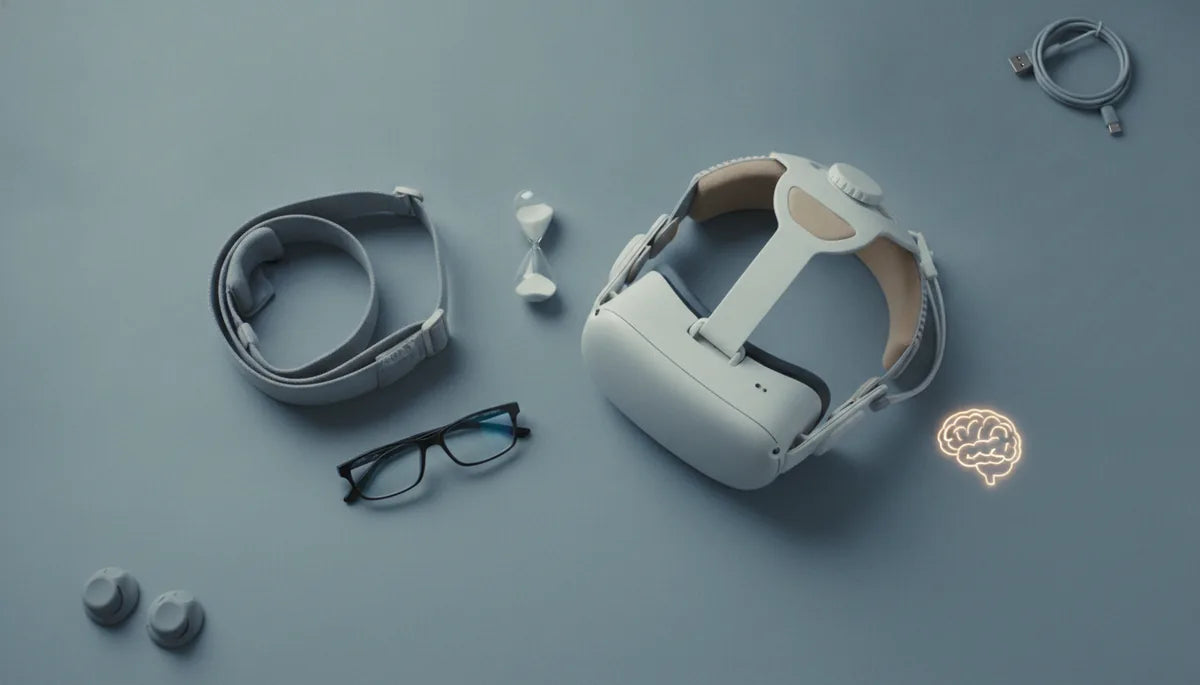
Quest 2 Comfort Strap vs Elite Strap: Comfort Across Long Gaming Sessions
Choosing the right strap for your Quest 2 can make the difference between a comfortable marathon session and a sore neck after an hour. This guide compares the Quest 2 Comfort Strap and the Elite Strap, focusing on fit, weight distribution, setup, glasses compatibility, and care so you can pick the best option for extended play. ⏱️ 5-min read
Core differences in fit and feel
The two straps take different approaches to comfort. The Quest 2 Comfort Strap (the padded, fabric-backed option) favors soft cushioning and an even pressure spread across the forehead and crown. It’s generally lighter and feels plush against skin. The Elite Strap uses a rigid backplate and a tightening dial, delivering a firmer, more secure hold with less front slippage.
Practical takeaway: the Comfort Strap emphasizes padding and immediate plush comfort, while the Elite Strap prioritizes stability and a snug fit that minimizes headset movement during active play.
Comfort during long sessions: weight, balance, and cushions
How a strap moves and redistributes the headset’s weight directly affects fatigue. The Comfort Strap’s soft padding can reduce pressure points on the forehead, but because it’s less rigid, you may feel more overall movement and slight shifting during fast turns. The Elite Strap shifts more of the headset’s force toward the back of the head via its rigid plate, which often reduces front pressure and the tendency for the headset to slide forward.
- Weight distribution: Comfort Strap spreads pressure; Elite Strap concentrates support at the back for reduced front-loading.
- Cushion quality: thicker, breathable foam and fabric covering reduce hot spots and neck strain over hours.
- Trade-offs: a cushioned strap feels great initially; a rigid strap can feel better after longer play because it stabilizes movement and reduces the need to readjust.
Setup basics: beginner-friendly install and adjustments
Both straps are designed for easy swap-in, but take a few minutes for a proper fit to maximize comfort.
- Installation steps (general): remove the stock strap by releasing the side tabs, align the new strap with the mount points, snap or slide it into place, and secure any rear plate or dial.
- Initial adjustments: start with light tension. Set the top strap so the headset sits at a comfortable nose gap (or use the Quest 2 glasses spacer if needed), then tighten the rear dial or Velcro for a firm but not painful hold.
- Quick checks: look up/down and shake your head lightly—if the headset shifts excessively, increase rear tension; if it pinches, loosen slightly and adjust the top strap height.
Weight, balance, and ergonomic tips for all-day wear
Good balance matters more than absolute weight. Even a slightly heavier strap can feel better if it keeps the headset centered and reduces forward pull.
- Center the headset: tune front/back tension so the weight sits close to your head’s midline instead of pulling the forehead down.
- Avoid over-tightening: aim for a secure fit without pain—overly tight straps cause hotspots and fatigue faster than a slightly looser, well-balanced setup.
- Use micro-breaks: take brief rest breaks and stretch your neck every 45–90 minutes to reduce strain in long sessions.
- Consider accessories: if you frequently play long sessions, options like an Elite Strap with Battery can change balance (adds weight but can move center of mass rearward) while aftermarket counterweights or different facial interfaces can tailor feel.
Glasses wearers and compatibility: what to know
If you wear glasses, fit adjustments are critical to avoid pressure on frames and lenses. Both straps can work well, but setup matters.
- Increase nose gap and top strap height to lift the headset slightly away from your face—this reduces pressure on your glasses.
- Use the Quest 2 glasses spacer (included with many units) or a third-party facial interface designed for glasses to protect frames and improve lens clearance.
- Third-party straps: many aftermarket straps advertise more clearance or slimmer padding; verify Quest 2 compatibility and consider potential warranty implications before buying.
Maintenance, cleaning, and longevity
Keeping your strap clean and well-maintained extends comfort and lifespan. Sweat, oils, and repeated use degrade padding and fabric over time.
- Routine cleaning: wipe fabric and foam with a damp cloth and mild soap. For heavier sweat, use gentle, alcohol-free anti-bacterial wipes and let items air dry fully.
- Avoid soaking: do not submerge straps or backplates—moisture can damage foam, adhesives, and the tightening dial.
- Inspect regularly: check Velcro, straps, and the dial mechanism for wear. Replace cushions or fabric covers when padding becomes compressed or the surface deteriorates.
- Storage: keep the headset and strap in a cool, dry place away from direct sunlight and heat to prevent foam and plastic warping.
Quick recommendation: which should you choose?
Pick the Comfort Strap if you want immediate plushness, a lighter feel, and softer contact for short-to-moderate sessions. Choose the Elite Strap if you prioritize stability, minimal movement during active play, and better long-session support—especially if you plan to add a battery pack or play intensely. For glasses wearers or those who sweat, pair your chosen strap with a glasses spacer and a breathable facial interface for the best long-term comfort.
Powered by Trafficontent

Share:
A glasses wearer's guide to Oculus Quest 2 comfort: straps, padding, and fit