

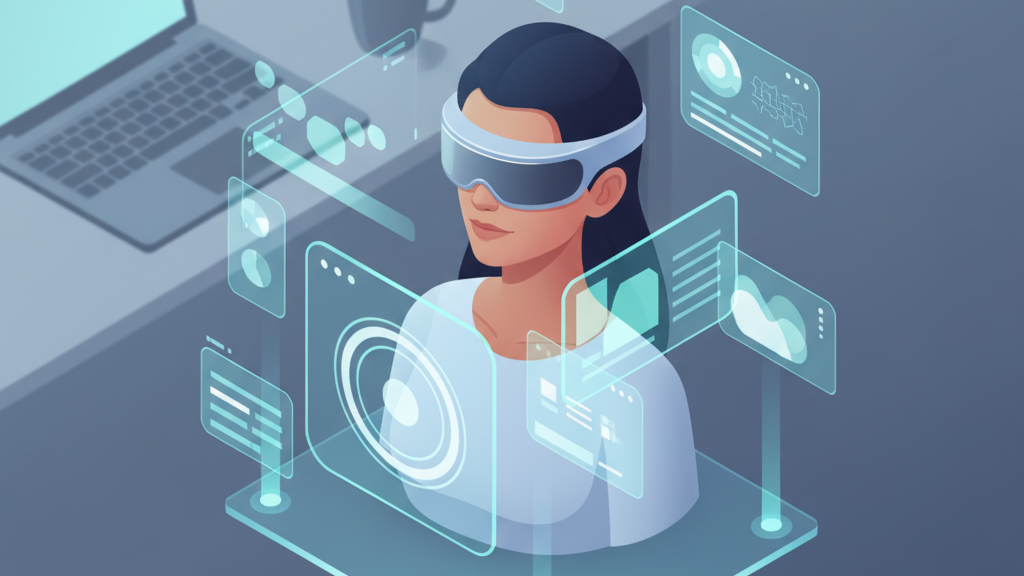
Designing Immersive AR UX for Vision Pro: Principles for Intuitive Headset Interfaces
This article outlines practical UX principles for Vision Pro experiences that center GraviPro’s Dynamic Lifting System, helping teams design intuitive, weightless interactions that reduce neck strain and improve session comfort for early adopters and developers. ⏱️ 5-min read
Establish weightless comfort as the core UX constraint
Start product and feature decisions with comfort as the non-negotiable constraint: if an experience looks great but forces users into short, uncomfortable sessions, it has failed. Define success metrics that reflect GraviPro’s promise of weightless comfort—examples include measurable neck-strain reduction (self-report scales or wearable sensors), overall comfort rating, and feasible continuous session length under normal use.
Use those metrics to guide interaction placement, animation timing, and task length. Treat visuals and controls as extensions of user intent rather than adaptations to headset heft: UI elements should feel anchored to what the user wants to do, not to the headset’s mass or balance. That framing changes priorities—favor low-effort interactions, minimize required head tilts, and ensure frequently used controls sit within a comfortable head posture.
Map GraviPro's Dynamic Lifting System to Vision Pro’s spatial UI
Make the lift state legible without making it obtrusive. Create layered feedback loops that communicate GraviPro’s dynamic lift subtly and reliably:
- Visual lift indicators: soft, peripheral glow or a subtle horizon cue that shifts with lift level.
- Haptic nudges: minimal vibration patterns to confirm major lift transitions (if device supports it) or controller feedback tied to lift boundaries.
- Soft audio cues: brief, low-volume tones for calibration success or limits reached—never loud or distracting.
Provide calibration flows and developer-facing tuning controls so teams can adapt lift responsiveness for different head sizes, hairstyles, and activity types. Include recommended defaults, a guided calibration wizard, and an advanced mode that exposes sensitivity, deadzones, and smoothing parameters to developers so they can fine-tune on-device behavior.
Create intuitive AR interactions that match Vision Pro’s spatial capabilities
Design interactions that leverage Vision Pro’s strengths while minimizing effort. Favor gaze-driven focus for quick selection, simple hand gestures for commitment, and stable world anchors to reduce cognitive load. Keep primary controls in a natural head range—roughly within the central field of comfortable gaze—so users don’t need repeated upward or downward tilting.
Limit full-screen or persistent panels; prefer contextual overlays that reflow with head movement and respect anchor stability. Where persistent tools are necessary, allow quick re-positioning to a comfortable offset and offer a “float near me” option that keeps tools within easy reach while allowing the rest of the scene to remain anchored to the environment.
Visual language and readability in weightless AR
Readability must survive changing lift states. Use high-contrast text and icons, and incorporate depth cues and occlusion so elements remain legible against complex real-world backgrounds. Maintain consistent depth scaling across UI layers and apply parallax deliberately to reinforce perceived distance as lift changes—small parallax shifts signal nearby controls, larger shifts convey background content.
Design typography and iconography with slightly larger sizes and generous spacing than on-screen equivalents to accommodate micro-movements during lift transitions. Use soft drop shadows and subtle outlines rather than heavy strokes, which can compete with environmental lighting and break the weightless illusion.
Comfort-focused session design and safety considerations
Ship default session templates that balance engagement with user well-being—shorter focused tasks, optional extended modes, and built-in cool-downs. Implement automatic break suggestions based on elapsed time, detected posture drift, or reported discomfort. For safety, add an auto-suspend that gently returns the display to a neutral state if abnormal head motion or inconsistent lift readings persist.
Document clear safe-use guidelines: recommended maximum lift ranges, progressive exposure for new users, and steps to recalibrate if disorientation occurs. Make these guidelines visible during onboarding and accessible at any time from the main menu so users and support teams can quickly reference them.
Prototyping and validation with early adopters (developers, gamers, enthusiasts)
Validate designs on actual GraviPro-enabled Vision Pro units with target users. Run field tests that capture both objective and subjective signals: task completion time, error rate, head posture logs, and self-reported weight sensation and comfort. Combine quick iterative sessions with longer-duration trials to surface fatigue and session-break patterns that short tests miss.
Use mixed-methods feedback loops—heatmaps of gaze and interaction, video of real-world use, and structured interviews—to prioritize fixes. Share sample scenes and test harnesses with early adopters so they can reproduce conditions and report reproducible issues back to your team.
Go-to-market and differentiation with FlitLift and GraviPro
Position GraviPro and any accessory like FlitLift as the weightless comfort solution for Vision Pro: emphasize measurable neck-strain reduction, improved wearability during multi-hour sessions, and practical user benefits such as longer play or productivity spans. Consider promotional tactics that reinforce that positioning—trial programs, comfort-focused demos, and clear before/after comparisons.
Accelerate adoption by providing developer-ready kits: sample AR scenes that demonstrate lift-aware UI patterns, integration guides with tuning presets, and SDK snippets for lift events and calibration APIs. Offer straightforward fulfillment options (free or expedited delivery for early testers when feasible) and clear support channels so product teams can get started, validate quickly, and iterate toward comfortable, weightless AR experiences.
Powered by Trafficontent







Compartir:
Petite-Face Friendly Fits: Tailoring Vision Pro for Children and Adults with Narrow Faces
Weightless VR Comfort in Education: Designing Safe and Engaging Virtual Classrooms for Developers